This page will guide you through how to place an image in game.
Placing a New Image
Step 1 - Creating the Frame
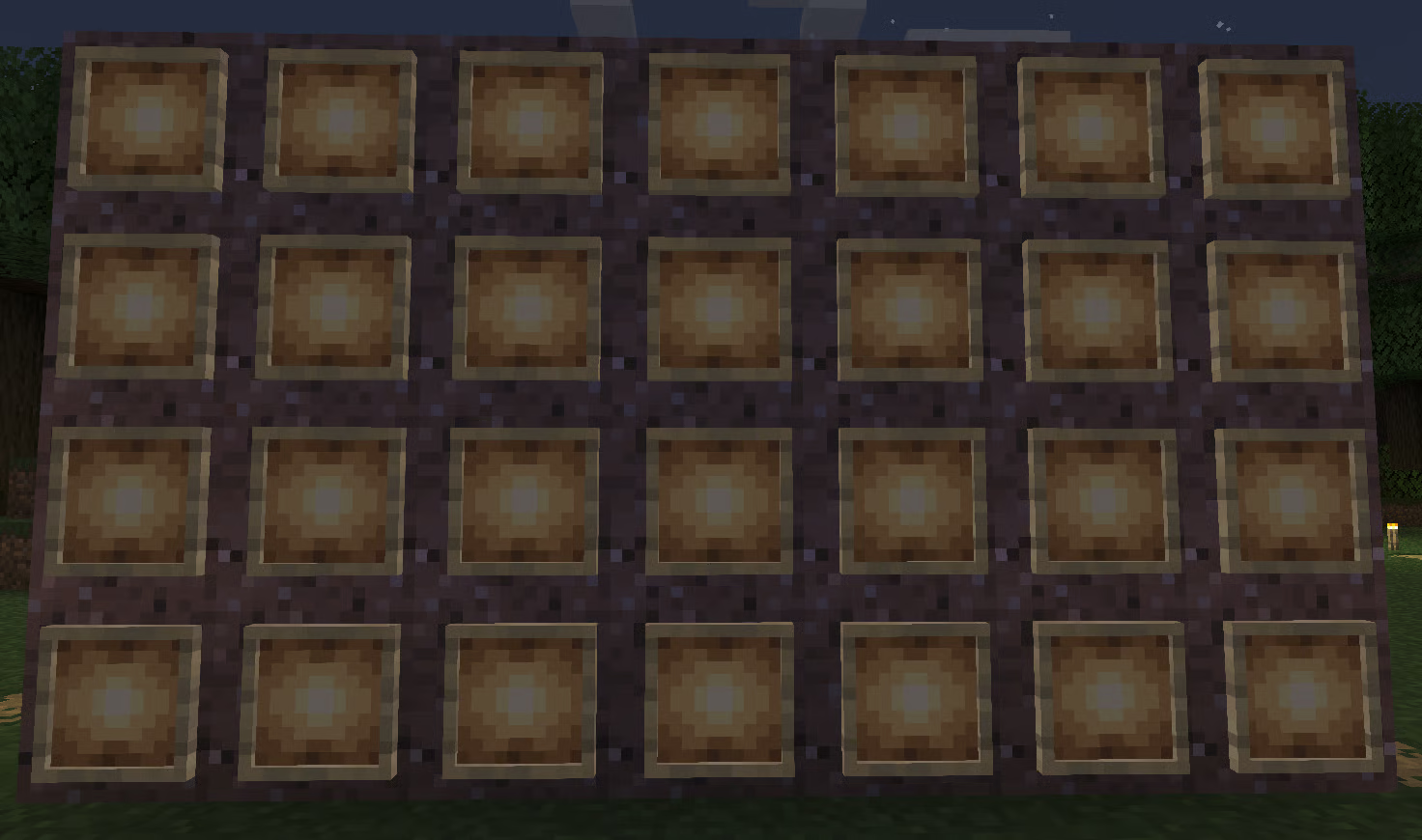
Create a frame using item frames like below, it can be any size you like, as long as it is a square/rectangle. It can use either glow or normal item frames.
Info
You will need the same number of empty maps as item frames to continue
Step 2 - Selecting the Frame
To select the frame, run the /imageframe select command.
Then select 2 opposite corners of the frame, you will receive a message in chat letting you know the frame has been selected.
Step 3 - Preparing Your Image
Next, upload your chosen image to imgur, you should receive a page that looks like the following:
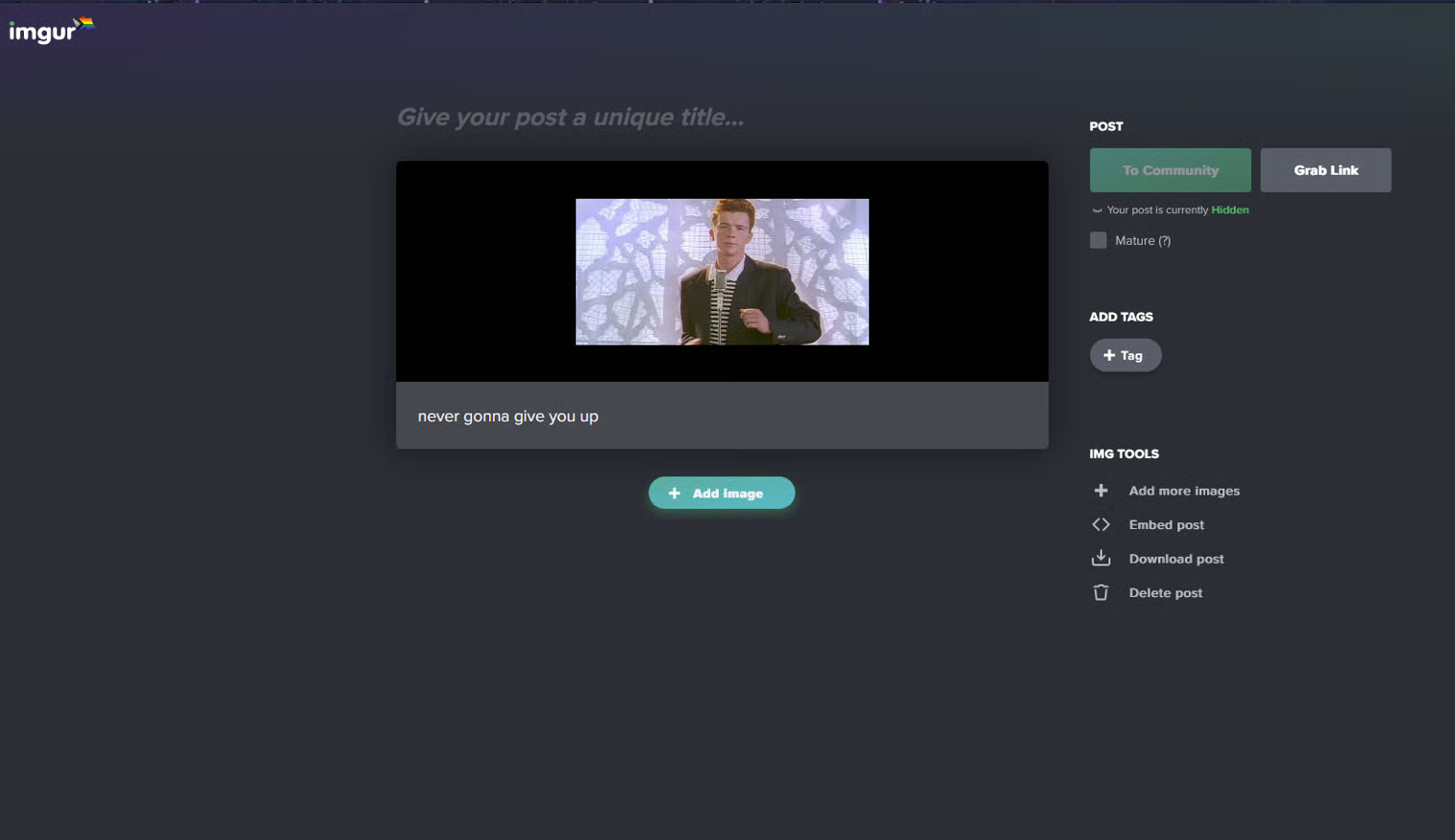
At this stage, right click on the image, and select “open image in new tab”
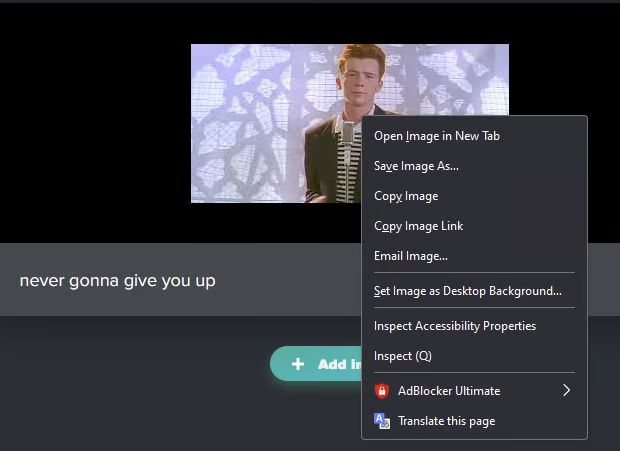
This will open a new tab, the URL of this new tab is a link directly to this image, and should look something like this:

Info
The URL must end in a file format such as .png or .jpg for this this work
You should then copy this URL.
Step 4 - Placing Your Image
Now, head back into your game, and run the following command:
/imageframe create [name] [URL] selection
replacing [name] with a name for your image, and [URL] with the URL copied from Step 3
Wait a few seconds and the maps should vanish from your inventory, and an image appear on your frame!
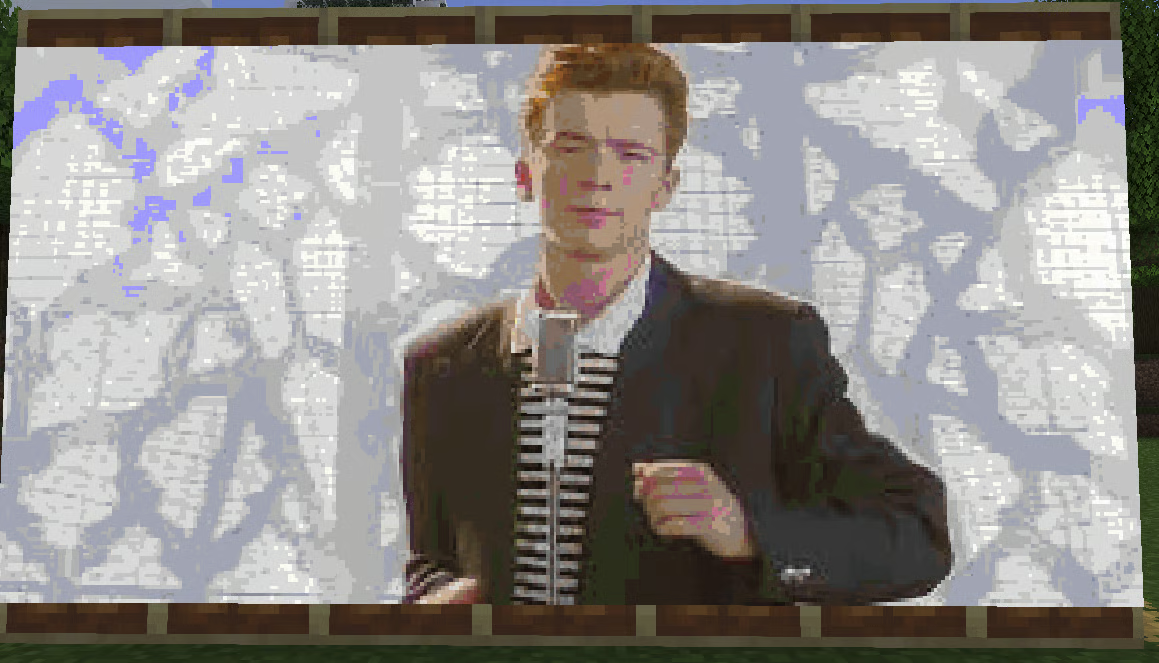
And there you go! Your image should now be in game!
Placing an Existing Image
To place an existing image, run the command /imageframe get [name] combined (replacing [name] with the name of the image)
An error will appear in chat telling you how many maps you need, like so:

Collect the needed amount of empty maps, and re-run the above command, you should be given a piece of paper similar to the following:
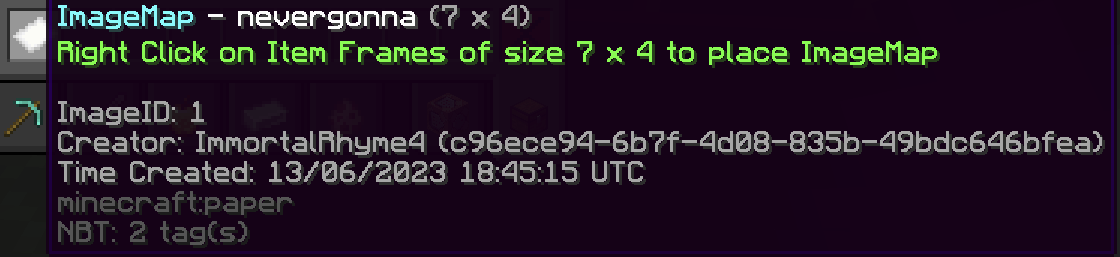
Then build a frame, like in Step 1 of placing a new image (you do not need to proceed with step 2) and place the piece of paper on any item frame in the frame.
And you’re done!